FocusFlow

Designing a minimalistic productivity experience to reduce cognitive overload by helping users focus on what matters most

Role

UX Designer

Industry

Productivity - Mobile Apps - Personal Development

See Live Prototype ->

The Problem

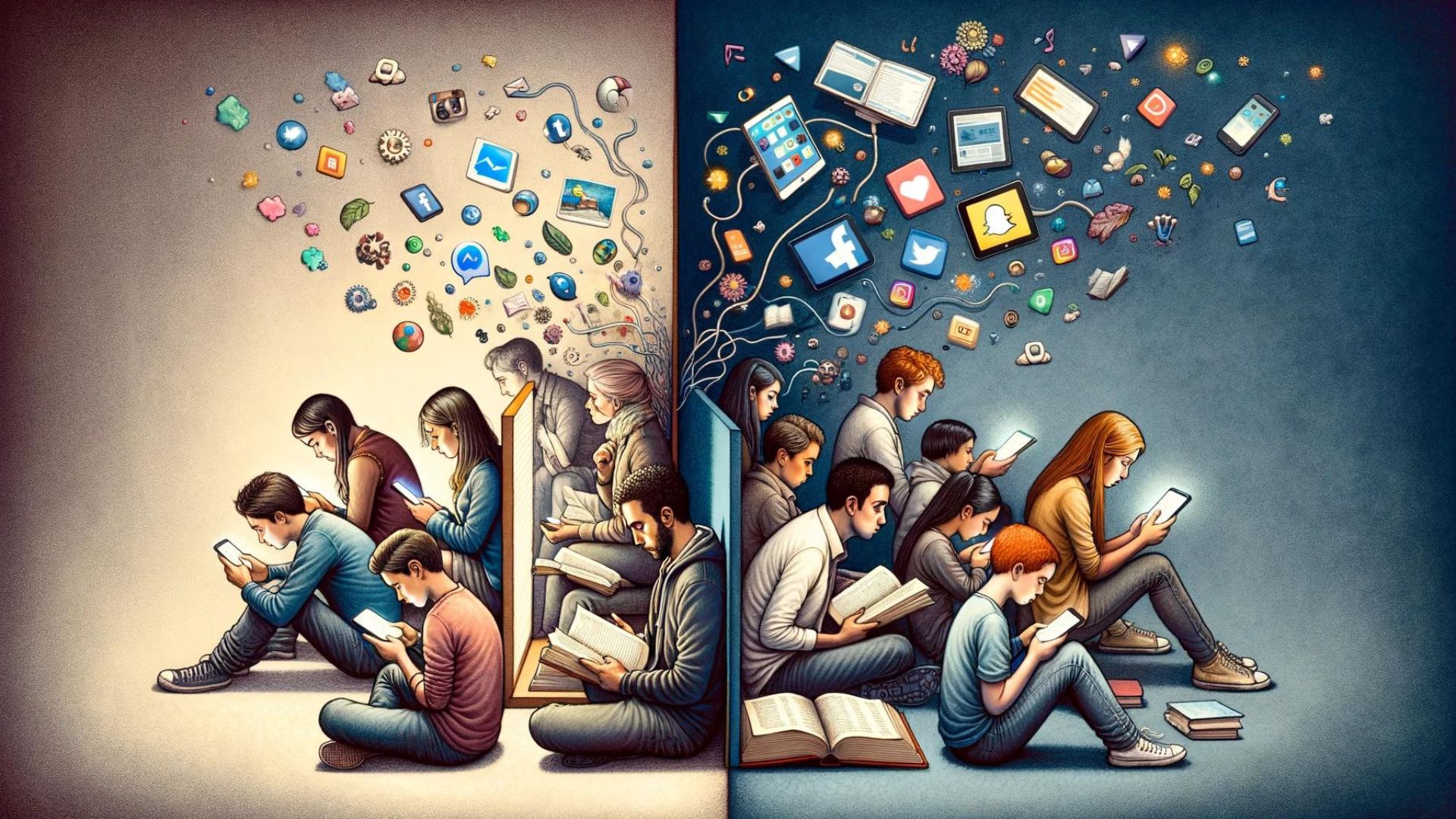
Staying focused has become increasingly difficult in a world filled with constant notifications, social media, and overly complex productivity tools.

Through observation and research, I noticed that many productivity apps introduce too many features—lists, dashboards, databases, and notifications—causing users to spend more time organizing their work than actually doing it.

Instead of helping users focus, these tools often create friction, overwhelm, and decision fatigue.

The core problem became clear:

How might we help people stay focused without adding more noise to their workflow?

See Live Prototype ->

The Problem

Staying focused has become increasingly difficult in a world filled with constant notifications, social media, and overly complex productivity tools.

Through observation and research, I noticed that many productivity apps introduce too many features—lists, dashboards, databases, and notifications—causing users to spend more time organizing their work than actually doing it.

Instead of helping users focus, these tools often create friction, overwhelm, and decision fatigue.

The core problem became clear:

How might we help people stay focused without adding more noise to their workflow?

Design Thinking & Goals

Defining the Goal & User Experience

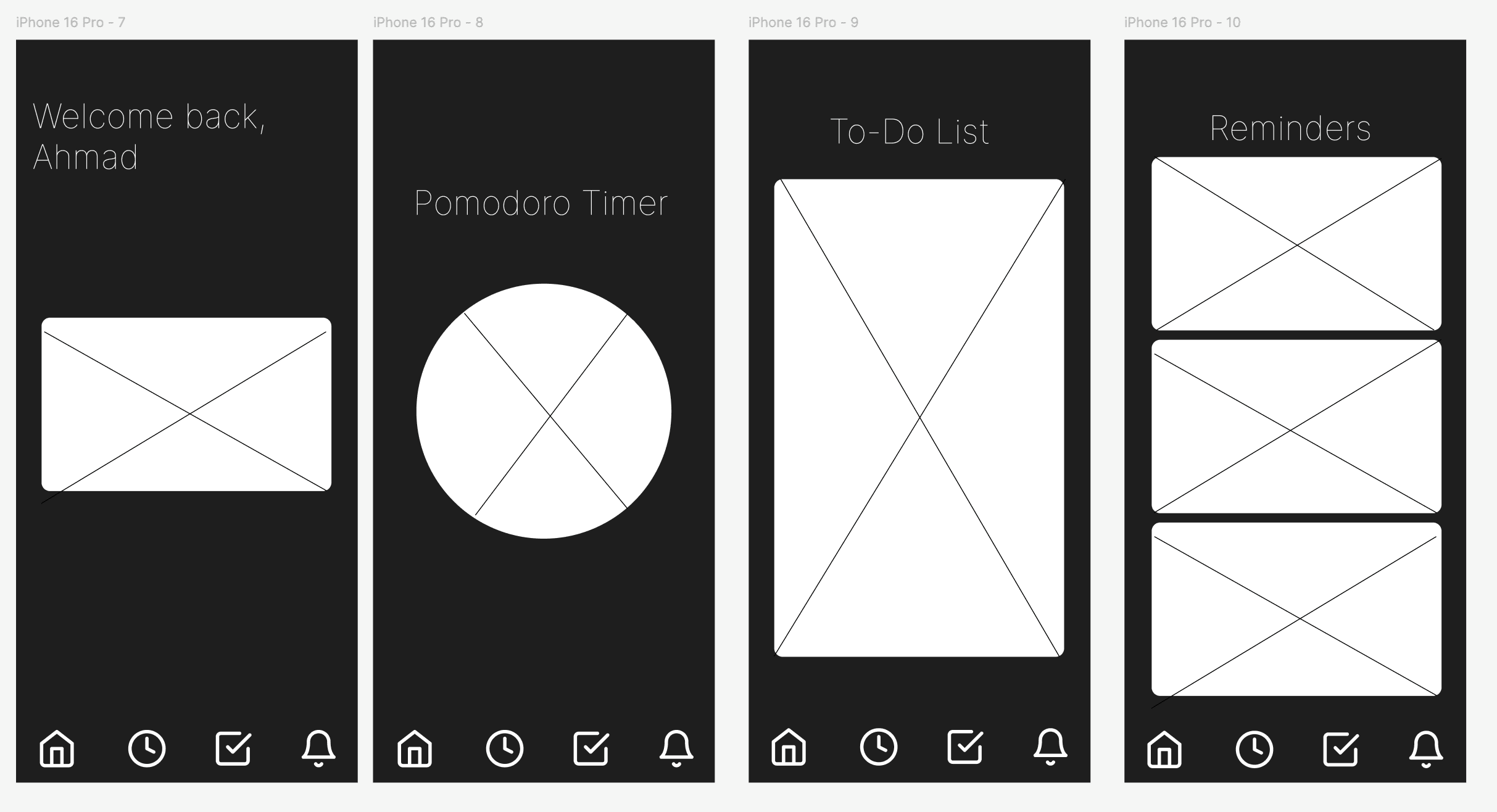
The goal of FocusFlow was to create a minimalist productivity app that helps users regain control of their time and attention.

Rather than trying to replace every productivity tool, FocusFlow focuses on a few core behaviors:

  • Tracking meaningful tasks

  • Encouraging focused work sessions

  • Reducing time spent on distracting apps

  • Adding light social motivation without pressure

The target audience includes people who want to focus but struggle to stay consistent due to digital distractions.

Emotionally, the experience was designed to make users feel:

  • Calm instead of overwhelmed

  • Motivated rather than guilty

  • Encouraged through progress and positive reinforcement

Every design decision aimed to support focus, clarity, and momentum.
The Solution & Impact

FocusFlow was designed as a lightweight, intentional productivity companion.

Key Features:
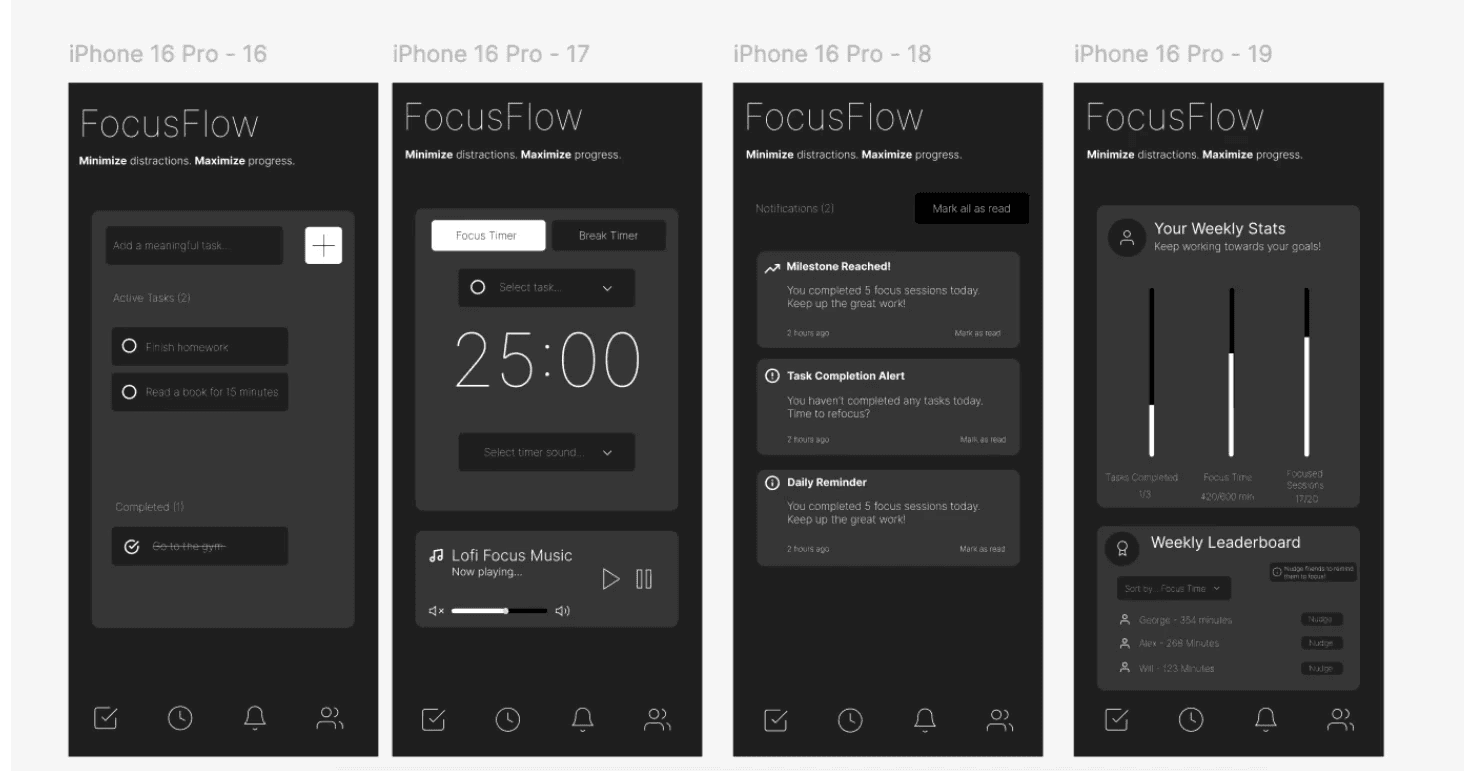
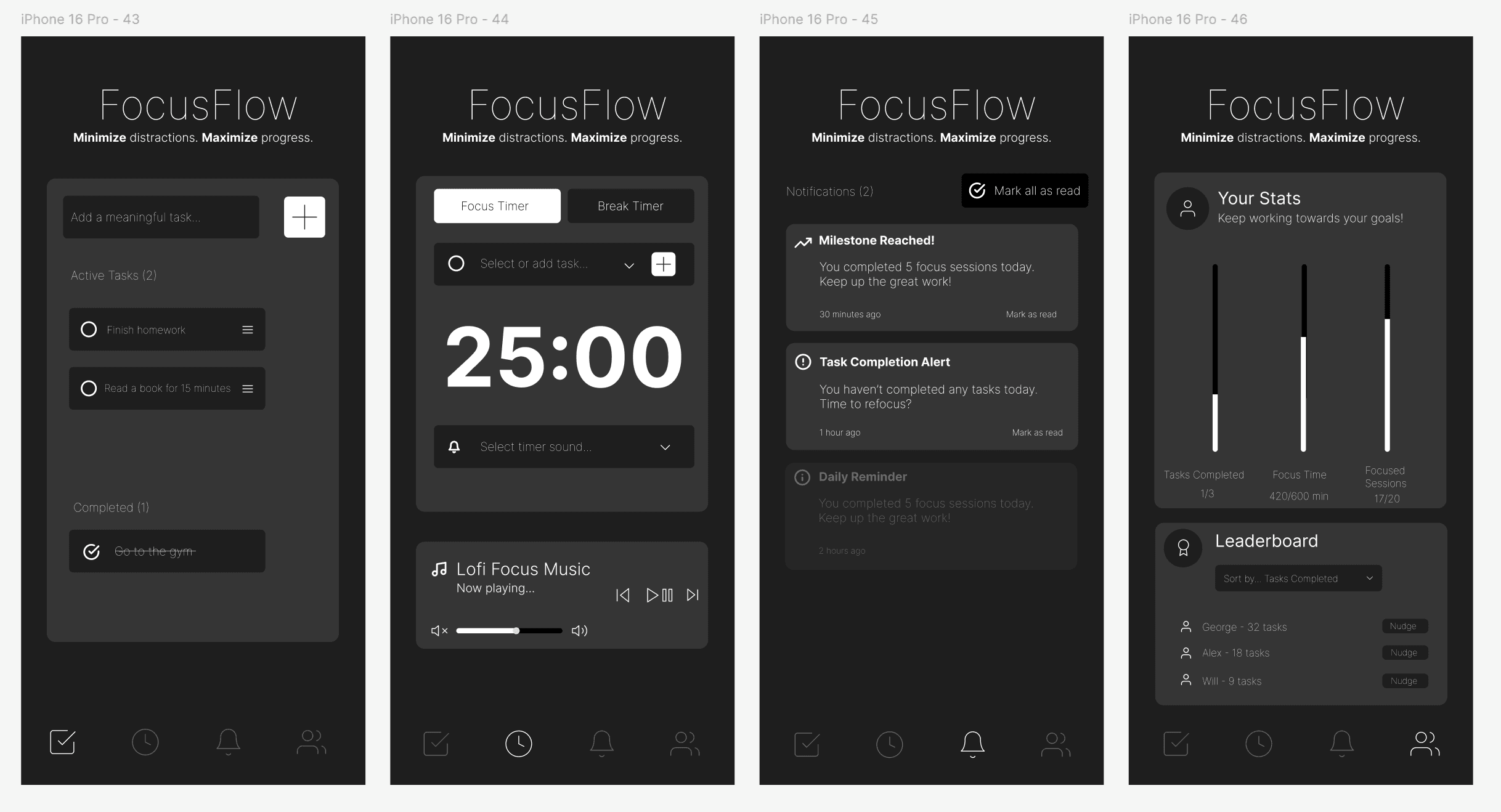
  • Focus Timer (Pomodoro-style)
    Encourages deep work through timed focus and break sessions.

  • Task Management
    Users add only meaningful tasks, helping reduce clutter and decision fatigue.

  • Stats & Progress Tracking
    Visual feedback reinforces consistency and progress over time.

  • Leaderboard & Nudges
    Light social motivation allows users to compete or encourage friends without turning productivity into pressure.

By keeping the interface minimal and the features intentional, FocusFlow shifts productivity from managing work to doing work.

This project demonstrates how simplicity, when applied thoughtfully, can create a more effective and emotionally supportive user experience.

Reflection & What I Learned

Reflection

This project reinforced the importance of:

  • User feedback in shaping meaningful experiences and design iterations

  • Designing with restraint rather than excess

  • Prioritizing emotional outcomes, not just features

I’m especially proud of the app’s minimal visual language, the interactive prototype, and the clarity of the core idea.

What's Next
  • Refining visual polish and micro-interactions

  • Adding more interactive UI components

  • Conducting usability testing with real users

FocusFlow shows my ability to design calm, intentional UX experiences that reduce friction and help users stay focused on what matters.
The Solution & Impact

FocusFlow was designed as a lightweight, intentional productivity companion.

Key Features:
  • Focus Timer (Pomodoro-style)
    Encourages deep work through timed focus and break sessions.

  • Task Management
    Users add only meaningful tasks, helping reduce clutter and decision fatigue.

  • Stats & Progress Tracking
    Visual feedback reinforces consistency and progress over time.

  • Leaderboard & Nudges
    Light social motivation allows users to compete or encourage friends without turning productivity into pressure.

By keeping the interface minimal and the features intentional, FocusFlow shifts productivity from managing work to doing work.

This project demonstrates how simplicity, when applied thoughtfully, can create a more effective and emotionally supportive user experience.

Reflection & What I Learned

Reflection

This project reinforced the importance of:

  • User feedback in shaping meaningful experiences and design iterations

  • Designing with restraint rather than excess

  • Prioritizing emotional outcomes, not just features

I’m especially proud of the app’s minimal visual language, the interactive prototype, and the clarity of the core idea.

What's Next
  • Refining visual polish and micro-interactions

  • Adding more interactive UI components

  • Conducting usability testing with real users

FocusFlow shows my ability to design calm, intentional UX experiences that reduce friction and help users stay focused on what matters.

Other projects

Interested in connecting?

Let’s talk projects, collaborations, or anything design!

Interested in connecting?

Let’s talk projects, collaborations, or anything design!

Interested in connecting?

Let’s talk projects, collaborations, or anything design!

Copyright 2025 by Ahmad Abdullahi

Copyright 2025 by Ahmad Abdullahi

Copyright 2025 by Ahmad Abdullahi